Your words. A little more main-character energy.
Turn a plain line of text into a graphic with personality. Mix expressive fonts, bold effects, backgrounds and motion — then export it for your thumbnail, post, banner or website.
Drag it. Feel the difference.
Plain text says it. Styled text makes people stop and read it.
Drag the handle ↔
Find your kind of loud.
From a soft, playful finish to a neon headline — choose the look that fits what you want to say.
Quick previews built into this page. Real studio exports are just below.
Less plain. More you.
Real exported samples from the studio — not stock artwork. Click any one to see it full size.
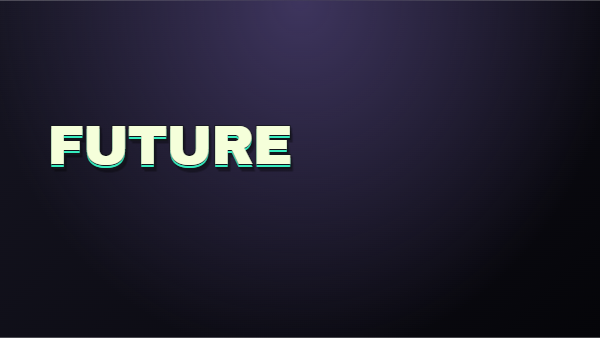
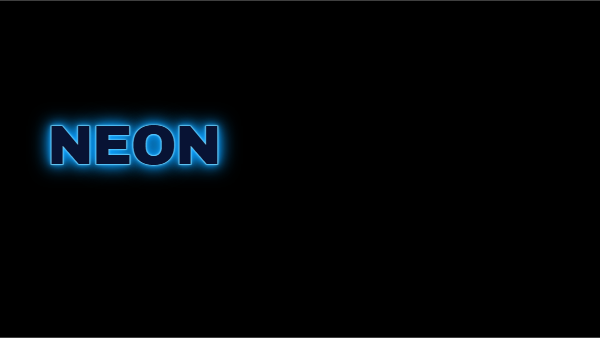
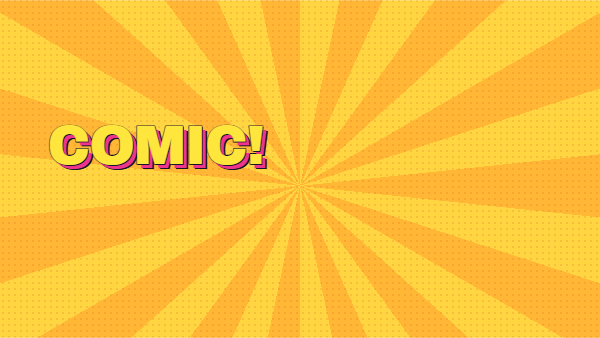
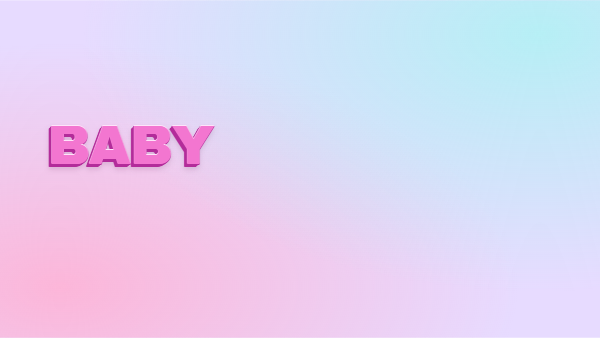
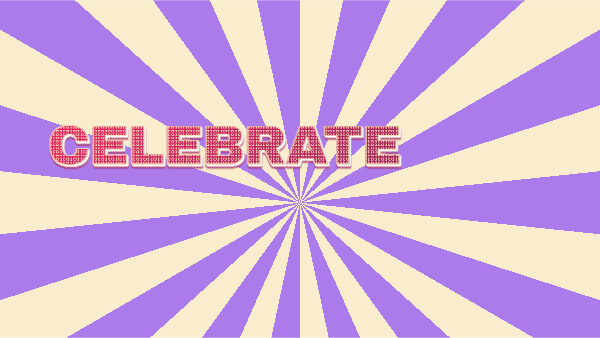
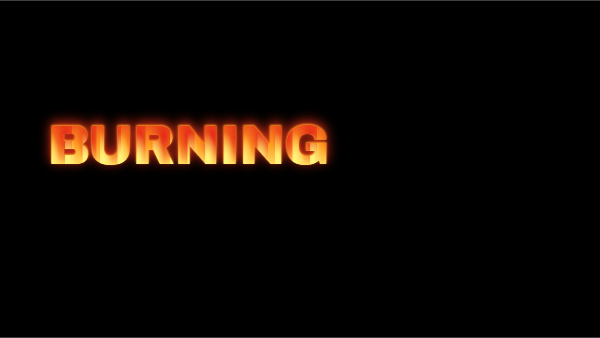
Layout, font and colour choices change the result.
Your words, in orbit.
Type below and every card restyles your text. Drag to spin the carousel.
3D stage built for this page with three.js. OctaTextStudio itself creates 2D text graphics and animations.
You have the headline. The offer. The announcement. But plain text doesn't quite capture the feeling.
OctaTextStudio gives you a focused place for that last creative step. Try a font. Add depth or glow. Build a background. Move things around until it feels right.
Keep the message. Give it a different presence.
A creative toolkit, built around your words.
Start with the right font
Explore categories including luxury, rich and modern. Choose font, colour and size when you add a text layer.
Give your text a finish
Outlines, glow, metallic looks, depth and texture — while your message stays fully editable.
Set the whole scene
Gradients, patterns, comic rays or a dramatic background. Finish with built-in icons and emoji-style stickers.
Move it. Size it. Own it.
Drag layers into place, resize from the corners and double-click text to edit it right on the canvas.
Add a little motion
Reveals, typewriter animation, word replacement and more — with timing you can adjust.
Keep what you create
Save projects to your account and download editable project files to reopen later.
Chapter titles for your tutorials. In minutes.
Make an animated “Chapter 1” card once, export it as a video, and drop it onto your editor's timeline. Change the text, export again, and your whole series matches.
- Style your titlePick a font and a look, then add a reveal or typewriter motion.
- Export MP4, WebM or GIFVideo for your editor, GIF for emails, docs and slides.
- Drop it on your timelineImport it like any other clip and place it at the start of each chapter.
MP4 export depends on your browser's encoder. WebM is available as an alternative where supported.
This is just use case explaining how exported text can be used in external Video editor - Our Software doesnt provide any Video Editing features
Copy the code. Paste it in your HTML.
Word replacement and typewriter effects export as HTML, an embed snippet or React, ready to drop into your site. Edit the words below and see the code update live.
Three steps. Plenty of possibilities.
Say something.
Start fresh or use a starter composition. Add your words and choose a font, colour and size.
Make it feel right.
Combine effects, backgrounds and layers. Try motion, tweak the layout and preview your composition.
Take it with you.
Save the editable project, then export the format you need for your post, presentation or website.
From the canvas to your next project.
A still graphic for a thumbnail, a looping animation for an announcement, or a text composition for a website.
Current desktop Chrome or Edge is recommended. Video format availability and export performance depend on your browser and device.
Your message. A more memorable outfit.
Give a thumbnail its headline.
Build bold title graphics and export them for your existing creative workflow.
Make the announcement feel like an event.
Style offer headlines, launch graphics and social announcements around your message.
Let your next banner have some personality.
Experiment with expressive type and motion for presentations and web compositions.
A focused text-design studio. Bring your own message, review your design, and check any third-party asset rights before publishing.
Make it look like you.
- Font browsing and editable text layers
- Text styles, backgrounds and stickers
- Layer positioning and corner resizing
- Motion effects and timing controls
- Account saves and project JSON files
- Still, animated and web export options
Pay $17 USD securely with PayPal. Includes a 14-day money-back guarantee in accordance with our Refund Policy. Access lasts for 3 years.
Continue to checkout ↓Already have access? Sign in to the studio ↗
refund
14-day refund period. Request a refund within 14 days of purchase in accordance with our Refund Policy. Read the Refund Policy
Good questions. Clear answers.
What is OctaTextStudio?
An online editor for text-led graphics and animations. You supply the words, choose fonts and effects, arrange layers, and export your composition. It is not a general photo editor or an AI image generator.
Do I need to install software or know how to code?
No installation or coding is needed to use the editor. You need an internet connection and an authorised account. Current desktop Chrome or Edge is recommended. Using HTML or React exports in a website may require web-development knowledge.
How long does my access last?
Your purchase includes three years of OctaTextStudio access from the purchase date for a one-time payment. This is a fixed access period, not lifetime access.
We may change pricing and access periods for future purchases without prior notice. Such changes do not shorten the access period of an existing purchase. Refund and account-use provisions still apply. Read the product terms.
Can I edit my design later?
Yes. Download your project JSON and import it when you return. The local browser draft is a convenience, not a backup — keep your project files for work you want to retain.
Which export formats can I use?
PNG, animated GIF, browser-supported video, HTML/embed, React and editable project JSON. MP4 depends on your browser's encoder; WebM is an alternative where supported. Some web exports need JavaScript and an internet connection for fonts. SVG is limited to supported still circular-text compositions.
Can I use famous logos, characters or celebrity images?
The built-in artwork uses generic icons and emoji-style stickers. It does not grant rights to third-party brands, copyrighted characters or celebrity images. You are responsible for permissions needed for any content you bring into a design.
What about commercial or client work?
Usage rights depend on the licence included in the offer you purchase. Third-party fonts and assets remain subject to their own licences. The studio itself, account access and asset library cannot be resold or redistributed. Review the product terms before purchasing.
Where do I get help?
Email vijeetdeliwala@gmail.com. Account holders can also use the studio's support page. For privacy and data requests, see our Privacy Policy.
One-time payment of $17 USD · 3 years of access · 14-day refund period.
Purchase questions and support: vijeetdeliwala@gmail.com